
Stonic
(New) Light SUV
Seltos
Small SUV
Seltos Hybrid
Hev
Sportage
Medium SUV
Sportage Hybrid
Medium SUV
Sorento
Large SUV
Sorento Hybrid
Large SUV
Carnival
People Mover/GUV
EV3
Small SUV
EV4
(New) Medium Car
EV5
Medium SUV
EV6
(New) Performance SUV
EV9
Upper Large SUV
Picanto
Compact Car
K4
(New) Small Car
PV5 Cargo EV
Cargo Van
Tasman
Pick Up Ute
Tasman Cab Chassis
Ute
Broken Hill Kia
- All Vehicles
Stonic
(New) Light SUV
Seltos
Small SUV
Seltos Hybrid
Hev
Sportage
Medium SUV
Sportage Hybrid
Medium SUV
Sorento
Large SUV
Sorento Hybrid
Large SUV
Carnival
People Mover/GUV
EV3
Small SUV
EV4
(New) Medium Car
EV5
Medium SUV
EV6
(New) Performance SUV
EV9
Upper Large SUV
Picanto
Compact Car
K4
(New) Small Car
PV5 Cargo EV
Cargo Van
Tasman
Pick Up Ute
Tasman Cab Chassis
Ute
- SUV
- Electric
- Hybrid
- People Mover
- Small Cars
- Medium Car
- Light Commercial
- Mild Hybrid
- Fleet
Stonic
(New) Light SUV
Seltos
Small SUV
Seltos Hybrid
Hev
Sportage
Medium SUV
Sportage Hybrid
Medium SUV
Sorento
Large SUV
Sorento Hybrid
Large SUV
Carnival
People Mover/GUV
EV3
Small SUV
EV4
(New) Medium Car
EV5
Medium SUV
EV6
(New) Performance SUV
EV9
Upper Large SUV
Picanto
Compact Car
K4
(New) Small Car
PV5 Cargo EV
Cargo Van
Tasman
Pick Up Ute
Tasman Cab Chassis
Ute
- Fleet

Kia Connect
Your digital co-pilot
Kia Connect offers you a wide range of digital features and services to enhance your day-to-day mobility before, during, and after your trip.
Discover intelligent remote control functions as well as innovative in-car services designed to make driving your Kia even more comfortable and turn every journey into an experience.
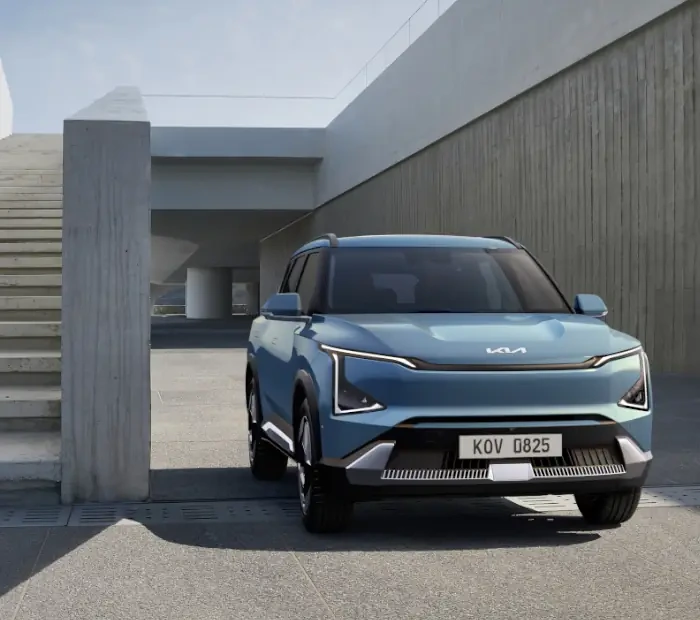
Key features*
Elevate your experience with a wide range of connect services.

EV charging locations[1]
View nearby locations of charging stations for EVs as well as other details such as plug availability and compatible connector types.

Remote climate control[2]
Through the Kia Connect App, you can remotely activate, set and schedule climate control before you get in the car, so it's just right when you get in.

Remote lock
Never again leave your car unlocked – or yourself locked out of your car. With the Kia Connect App, you can remotely lock and unlock your Kia from anywhere with a simple tap.

Destination Send to Vehicle
This feature allows the Kia Connect App user to send an address directly from the app to the vehicle navigation system, which is ideal for notifying you when you are ready to depart in due course.

Vehicle tracking
Always know where your car is parked, even if you didn’t park it yourself. And if you need, the Kia Connect App can walk you to it using augmented reality guidance.

Vehicle status
Vehicle status offers a comprehensive report on your car including whether the doors/boot/bonnet are open or closed, fuel or battery charge and other vital diagnostic information before you start your journey.

Valet parking mode
Activate this mode before handing it over to someone and it will let you monitor the vehicle’s location, driving time, distance and top speed using the Kia Connect App. With Geo-fence alerts it will even alert you when the vehicle strays outside of pre-set limits of geographical areas.

Local POI search
Local area search combined with Weather Forecast and Points Of Interest which cover not only information of the local area, but also enroute and the destination.

Emergency call
In case of an accident where the airbag is deployed, this feature will automatically contact the Kia Connect 24/7 call centre for your safety. The dedicated SOS button allows you to call the centre yourself if necessary.
Video walkthrough
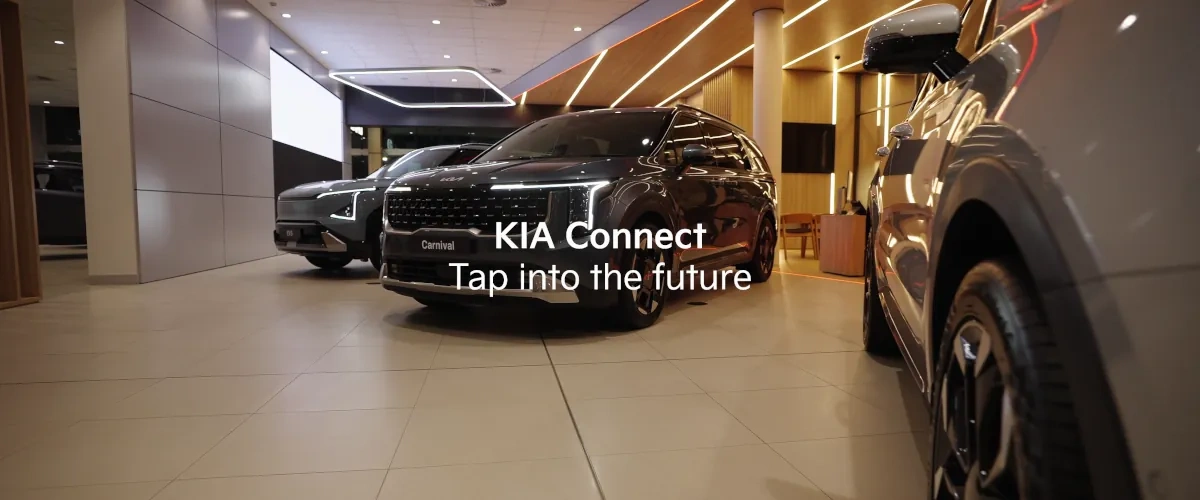
Discover the benefits of Kia Connect
Control in the palm of your hands
Kia Connect app
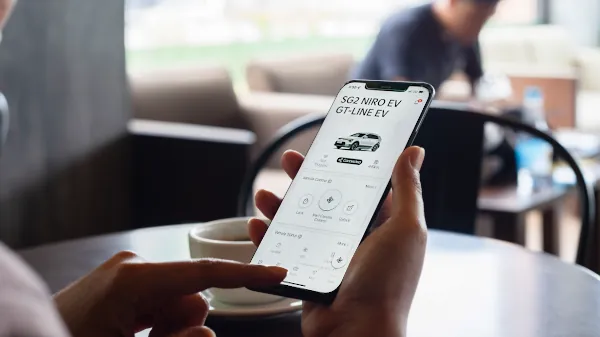
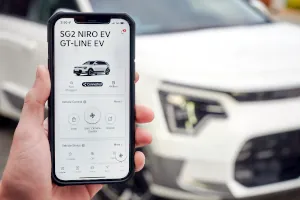
Take advantage of innovative features before you even hit the road. Synchronise destinations, check the vehicle status, control certain vehicle functions and much more with the Kia Connect app. If, for example, you want to ventilate the interior before you go for a drive, you can easily do this in advance using your smartphone. Your Kia does not even have to be in sight.


Free for 7 years
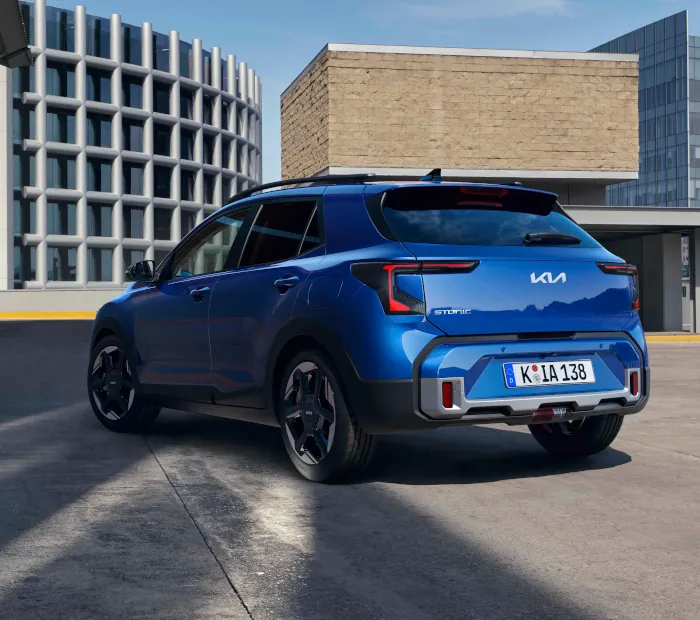
Enjoy complimentary Kia Connect services for 7 years from the warranty start date on applicable models.[3]
All features. All services. Fully transferrable. Just like our Australia's Best 7 Year Warranty.
Help & troubleshooting guides

Frequently Asked Questions
-
Kia Connect refers to connectivity services in the car which provides owners with features such as turning on the ignition remotely and the location of your vehicle, or information including live traffic, and weather forecasts. Kia Connect is fitted with a modem and SIM card and relies on data from a mobile network. Additional functionalities are being added to Kia Connect over time.
-
Kia partners with Singtel, the parent company of Optus, to provide SIM cards and data. Kia Connect coverage is linked to the Optus 4G network.
-
Kia Connect is offered to all Kia customers for free for seven years, in line with Kia's seven-year warranty.
-
Kia Connect is only available when the car is in a good network zone. A working data connection is required to receive information on the phone.
-
You can register for Kia Connect by either the vehicle infotainment system or through our app which can be found in the App Store or Play Store.
-
You can unsubscribe via the deactivate button through the vehicle infotainment system or the Kia Connect mobile app.
-
If your car is equipped with Kia Connect, you can find the Kia Connect option through the car infotainment screen to activate it.
-
Yes, Kia Connect will share details of any important changes with Kia Connect users before the changes will be applied.
-
- The left button is used for setting a destination via Voice Recognition.
- The red, second button from the left is the SOS button used in the event of a breakdown or emergency
-
It might take long for your vehicle to remotely start sometimes. To avoid battery drainage, when the vehicle engine is not running the vehicle is in a state of "sleep". Therefore, when an Engine Start command is given, a "wake up" message is sent to the vehicle and it takes a little time for the vehicle to boot up and acknowledge the Engine Start command.
-
In case of any trouble related to Kia Connect please contact our Kia Customer Care team on 131 542.
-
You can download the Kia Connect app from the Google Play store & Apple App Store through the links in this page.
-
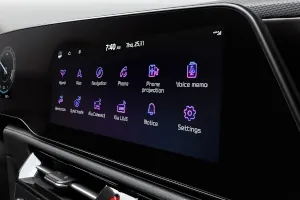
Kia Connect services are divided into two categories: ‘App’ and ‘Nav’ services. Nav services are accessible via the touchscreen infotainment system in your car, such as traffic and weather updates. You can use the app to access a range of services that enable you to monitor and control your car remotely.
To fully enjoy the benefits of the Kia Connect system, downloading the app and having the latest software system are highly recommended.
-
Yes, internet data is required for app usage.
-
Yes, the app uses notifications to alert users to anything important relating to their car. For instance, for vehicles equipped with a burglar alarm system, it can notify the owner if the alarm is activated. It is possible to turn off or customise notifications from the app.
-
The Kia Connect App only accepts the VIN from compatible cars. If your car is equipped with the Kia Connect you will be able to find the Kia Connect section on car’s infotainment screen. Please also note that one car (VIN) can be connected to one account only. The Kia Connect App will let you know if your VIN is invalid or has been associated with an account already.
-
You can share your car with another user who also downloaded Kia Connect App and has an account with a valid phone number. Simply follow the below steps:
- Select the vehicle and then click the Share car button.
- Enter the phone number of the person you want to share your car with and set a PIN code.
- A push notification will be sent to another user's phone, informing them that you want to share your car. After entering the PIN code defined by you in the previous step, the car will appear in their account.
There is no limit in the number of shared users.
-
You can navigate to More → Vehicle & Service Settings → Subscription Information in the Kia Connect App to see the status of your subscription.
You can also find this within your vehicle under Kia Connect Settings → Activate Service screen. -
This could happen if your car has lost the connection to our network e.g. parked underground. Therefore, the car’s status is not updating. Once your car is again in location with good network, you can refresh the status from the Kia Connect App by selecting Status and refresh Icon on the top of the screen.
-
Yes, you can remove the button by navigating to More → App Settings → unselect the Floating Home Screen Button.
-
It might take long for your vehicle to remotely start sometimes. To avoid battery drainage, when the vehicle engine is not running the vehicle is in a state of "sleep". Therefore, when an Engine Start command is given, a "wake up" message is sent to the vehicle and it takes a little time for the vehicle to boot up and acknowledge the Engine Start command.
-
In case of any trouble related to Kia Connect please contact our Kia Customer Care team on 131 542.
-
In case of SOS Emergency, the button on the overhead console can be used to connect you with a Kia customer care agent and you can request for Roadside Assistance or emergency services like Police or Ambulance.
-
In the event of an accident and the airbags deploy, the vehicle automatically sends information to the Kia call centre with your vehicle’s location. A call centre agent will receive a call from your vehicle and services such as Ambulance, Police services and RSA can be sent to your location.
Disclaimer: Kia can only assist the customer for providing emergency services. Customers are solely responsible for any payment involved to any third party for availing emergency services.
-
In the event of an accident, Kia call centre can support in providing ambulance services to the user. Kia is not liable for any delay of ambulance arrival, or any risk or cost associated with ambulance services. The services will be provided with prior consent of the user and there may be charges associated with the services which the user needs to settle with the ambulance/hospital.
-
In case of vehicle theft, Kia may immobilise a vehicle following a receipt of an approved and signed Warrant from either State or Federal Police, which has been issued by an Australian court. When the vehicle is immobilised, it cannot be restarted once the vehicle ignition is turned off.
-
- After finishing the registration of Kia Connect, click the Add Car function in the Kia Connect App.
- Agree to the Terms & Conditions and Privacy Policy.
- In your car, navigate to Kia Connect Settings and click on Modem Information.
- Scan the VIN QR code in your vehicle and input the 6-digit verification code.
-
To delete your personal data connected to your car, you can remove the car via the deactivate button through the vehicle infotainment system or ‘Account Reset’ through the Kia Connect App.
-
Kia Connect App requires the log in through Kia Account. You can disconnect your Kia Account with Kia Connect anytime directly in the Kia Connect App. To delete Kia Account, you have to disconnect/delete all linked services first (all linked services has to be disconnected). You can then select ‘Terminate Account’ in the Kia Connect App.
-
Yes. When buying a used Kia car equipped with Kia Connect, a customer should reset the device.
-
Most Kia Connect in-car features do not require an account. Features involving the Kia Connect App require you to open a Kia Connect account.
To fully enjoy the benefits of the Kia Connect system, downloading the app and having the latest software system are highly recommended.
-
You can disconnect your Kia Account with Kia Connect by navigating to My Account in the Kia Connect App.
- Under My Account, please choose the option "Terminate My Account"
- To delete your Kia Account, you must disconnect / delete all linked services first (all linked services has to be disconnected)
-
The Kia Connect App allows you to link your Kia Connect account with the Driver Profile in your car. If you have a compatible software version, you can find the option to link your Drive profile directly from the Kia Connect App or from the car’s screen. After successfully linking your profile, you will be able to adjust your vehicle and navigation settings directly from the App; as well as back up settings information and apply it later to another car.
Disclaimers
*Features may vary depending on vehicle grade and are subject to change.
[1]Available on EV only.
[2]Kia Connect features may vary depending on vehicle model and grade and are subject to change without notice. All information regarding Kia Connect Features is based on information available at the time of publication. Not available on Seltos Sport and certain Sorento models.
[3]Enjoy Complimentary Kia Connect Services from the vehicle’s warranty start date for a 7 year period. The warranty period does not restart on transfer of vehicle ownership.
[4]Available on S grade from MY24.
All information are based on data available at the time of publication and subject to change without notice. Please consult your nearest Kia dealer for the latest information.